


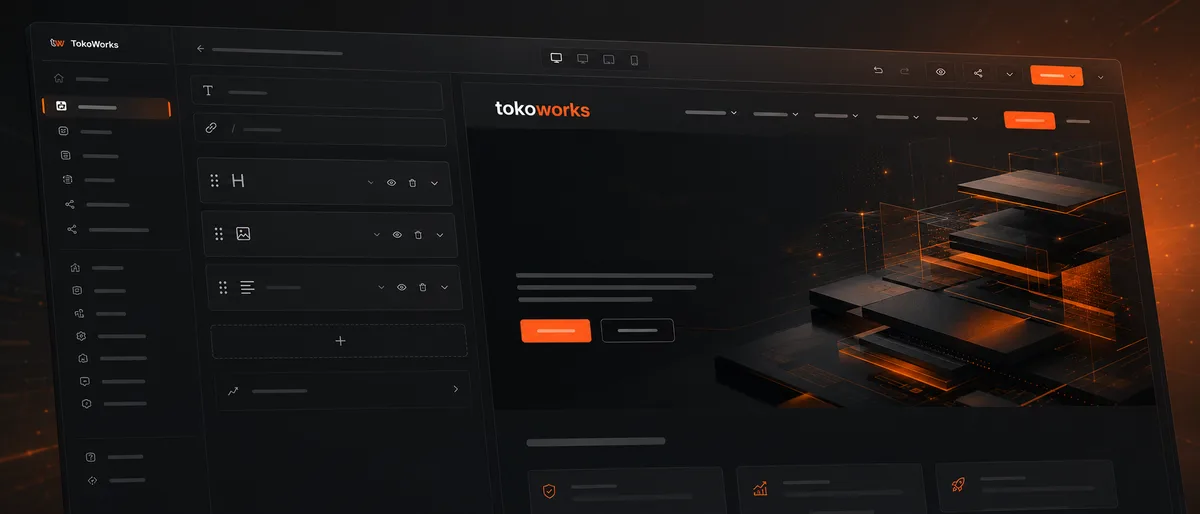
01 / The TokoWorks website platform
Manage it yourself. Without getting stuck.
Your team independently manages pages, content, forms, navigation and campaigns. We keep the platform technically in order and keep building when your organisation needs more than the standard options.
02 / Why our own platform
Website management doesn't have to be an agency project.
A new page, a change to the menu or an adjusted form shouldn't have to go past a developer first. At the same time, you want to avoid every administrator being able to tinker endlessly with design, technology and structure.
The TokoWorks platform is our own content management system (CMS), developed for that balance: your organisation can publish and make changes independently, while design rules and technology remain centrally controlled.
Dependent for every change
Even small changes have to be scheduled, budgeted and carried out by a supplier.
Too many separate systems
Pages, forms, analytics, redirects and campaigns are managed from different plugins or environments.
Freedom without structure
Every page can be built differently, so over time the website loses its coherence.
A platform that can't go any further
As soon as a new integration or feature is needed, you have to fall back on a separate system or a complete rebuild.
You don't need an unlimited editor. You need control over what changes regularly, with room for development when it adds value.
03 / Day-to-day management
The day-to-day website in your team's hands.
The platform brings the parts that change regularly together in one management environment. Which options are available depends on the package you choose and how the website is set up.
Pages and content
Build pages with reusable content blocks. Edit text, images and downloads, duplicate existing pages and publish changes when they're ready.
Practical result: publish new information faster without needing development for every change.
Blogs, cases and other content
Manage recurring content such as blogs, cases, projects and products from a fixed structure.
Practical result: new items automatically get a consistent layout and place within the website.
Forms and conversion
Build forms, place them on relevant pages and manage submissions from the same environment.
Practical result: adapt forms and conversion points to campaigns and customer questions faster.
Navigation and structure
Manage main menus, submenus, dropdowns, footers and the hierarchy between pages.
Practical result: the website can grow without the navigation having to be rebuilt with every expansion.
SEO and publishing
Manage page titles, meta descriptions, URLs, redirects and sharing information for social media.
Practical result: content changes can be published without losing sight of the technical foundation for findability.
Users and teams
Work with multiple administrators and tailor access to the setup and the package you choose.
Practical result: content management doesn't have to rest with one person or an external agency.
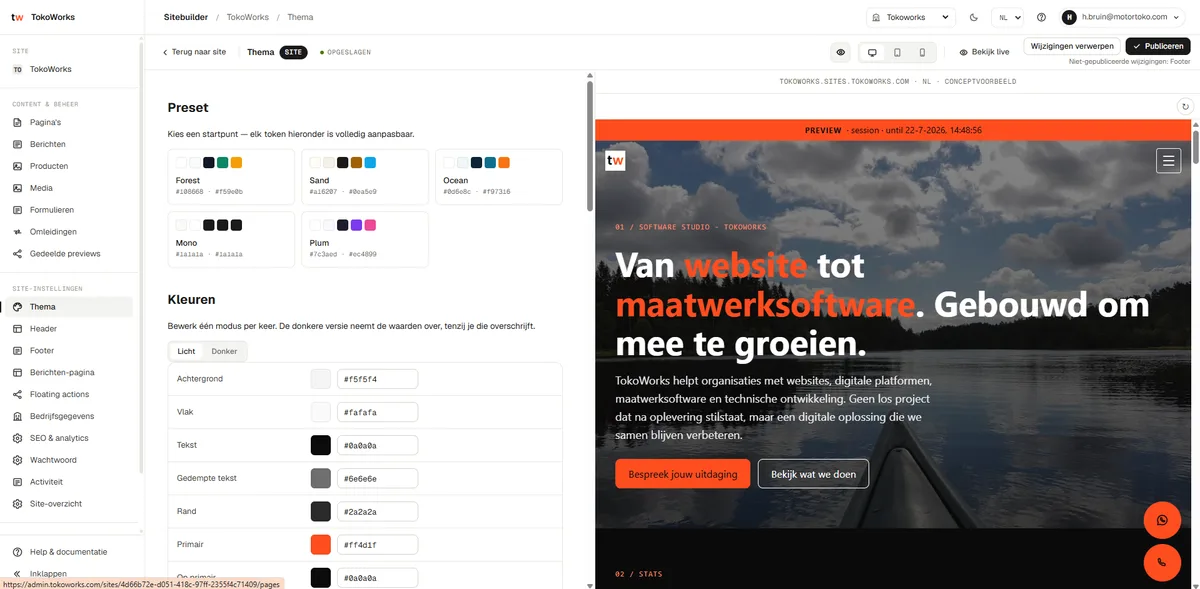
New pages, without visual sprawl.
Your team gets room to put pages together and edit content. The underlying design rules remain centrally managed.
Typography, colours, spacing, component variants and responsive behaviour are set up in advance. Administrators then decide which parts are needed and in what order they are used.
This creates freedom for the content, without every page becoming a design of its own.
- DesignTypography, colours, component styles
- ComponentsRecognisable recurring structure
- Responsive behaviourWorks on mobile, tablet and desktop
- CoherenceNew pages stay consistent
04 / From idea to publication
Launch a campaign without starting over.
Marketing can respond faster to a campaign, event, vacancy or new proposition, without starting a separate build project for every page.
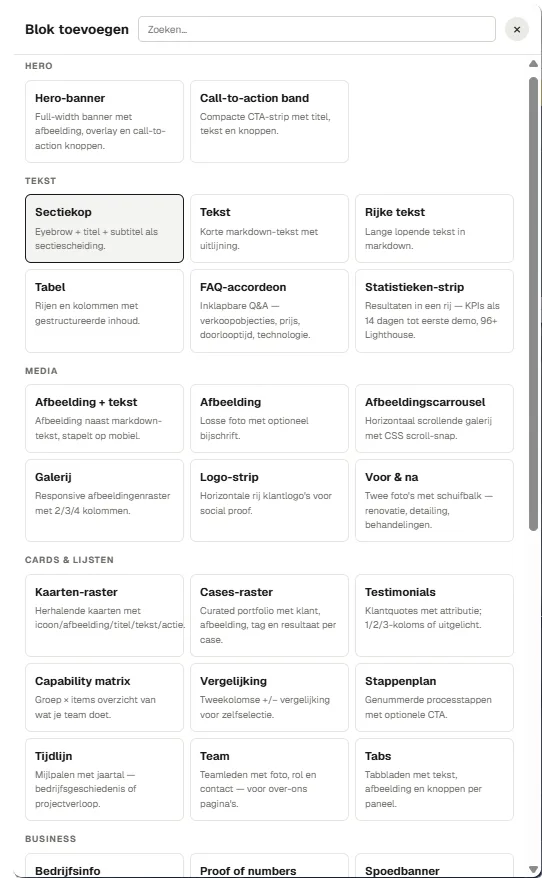
Start from an existing base
Duplicate a relevant page or use a ready-made page type.
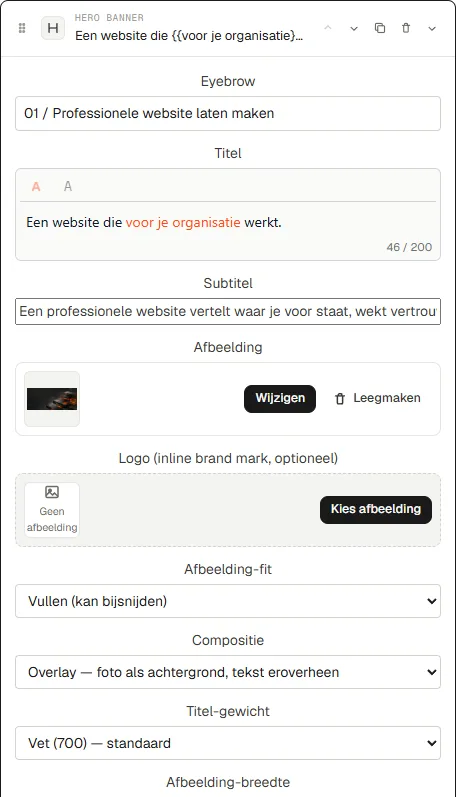
Put the content together
Add text, images, proof, calls to action and other available components.
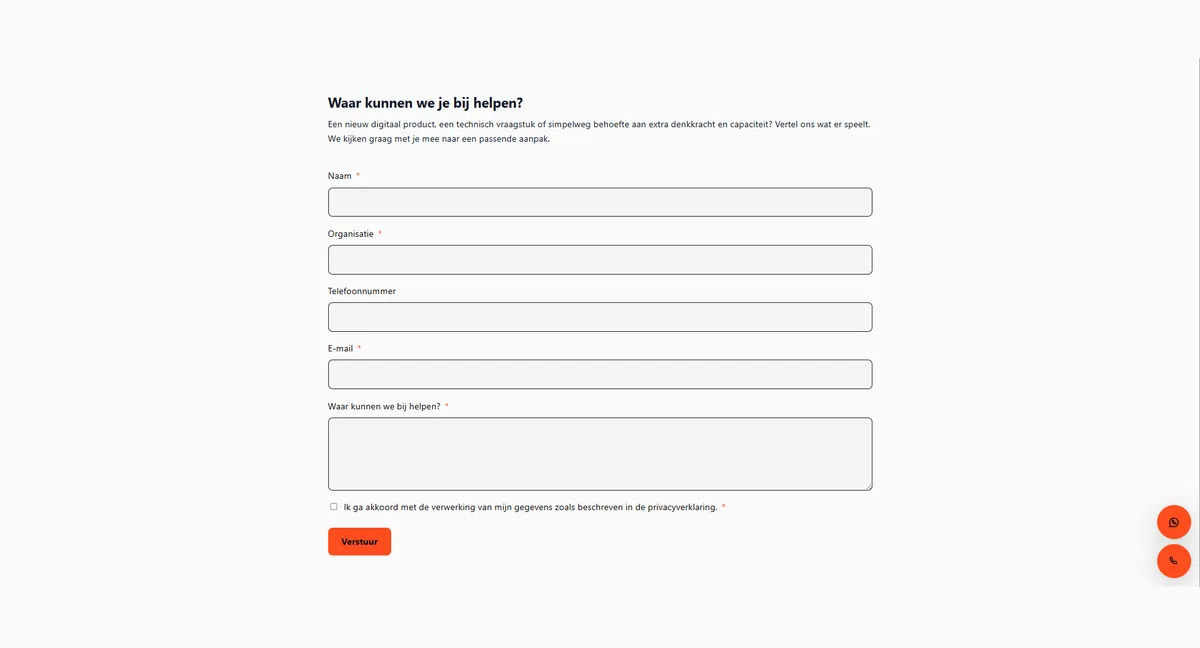
Add conversion
Place an existing form or set up a suitable conversion point.
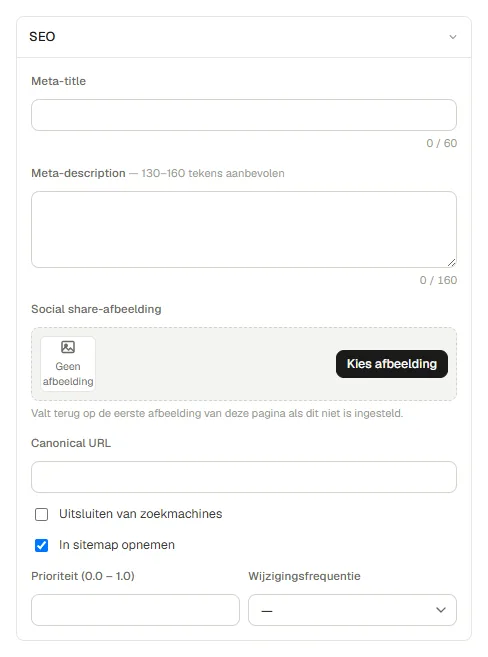
Check the publication
Set the URL, page title, meta description and sharing information.
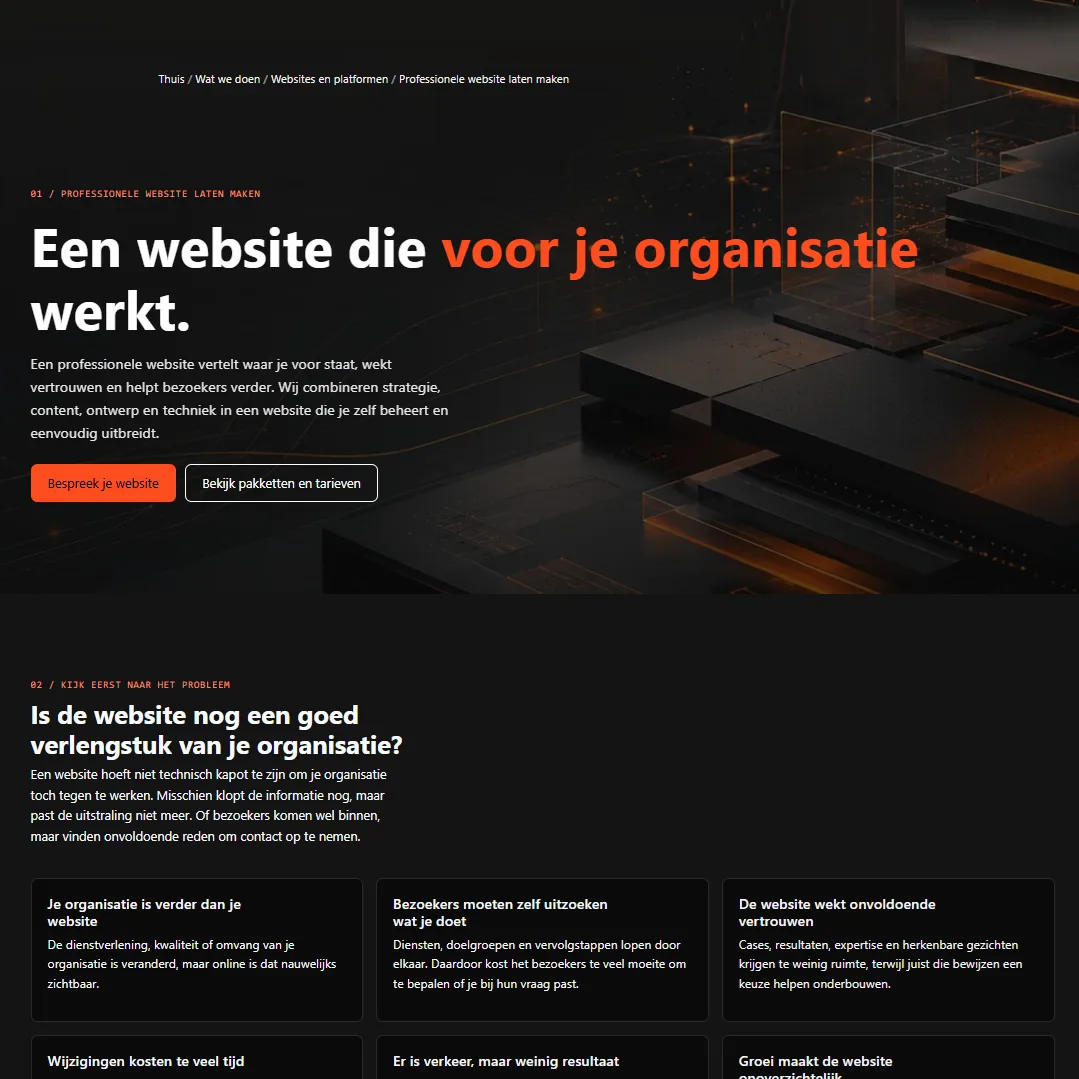
Publish
View the page, process feedback and take it live or schedule the publication.
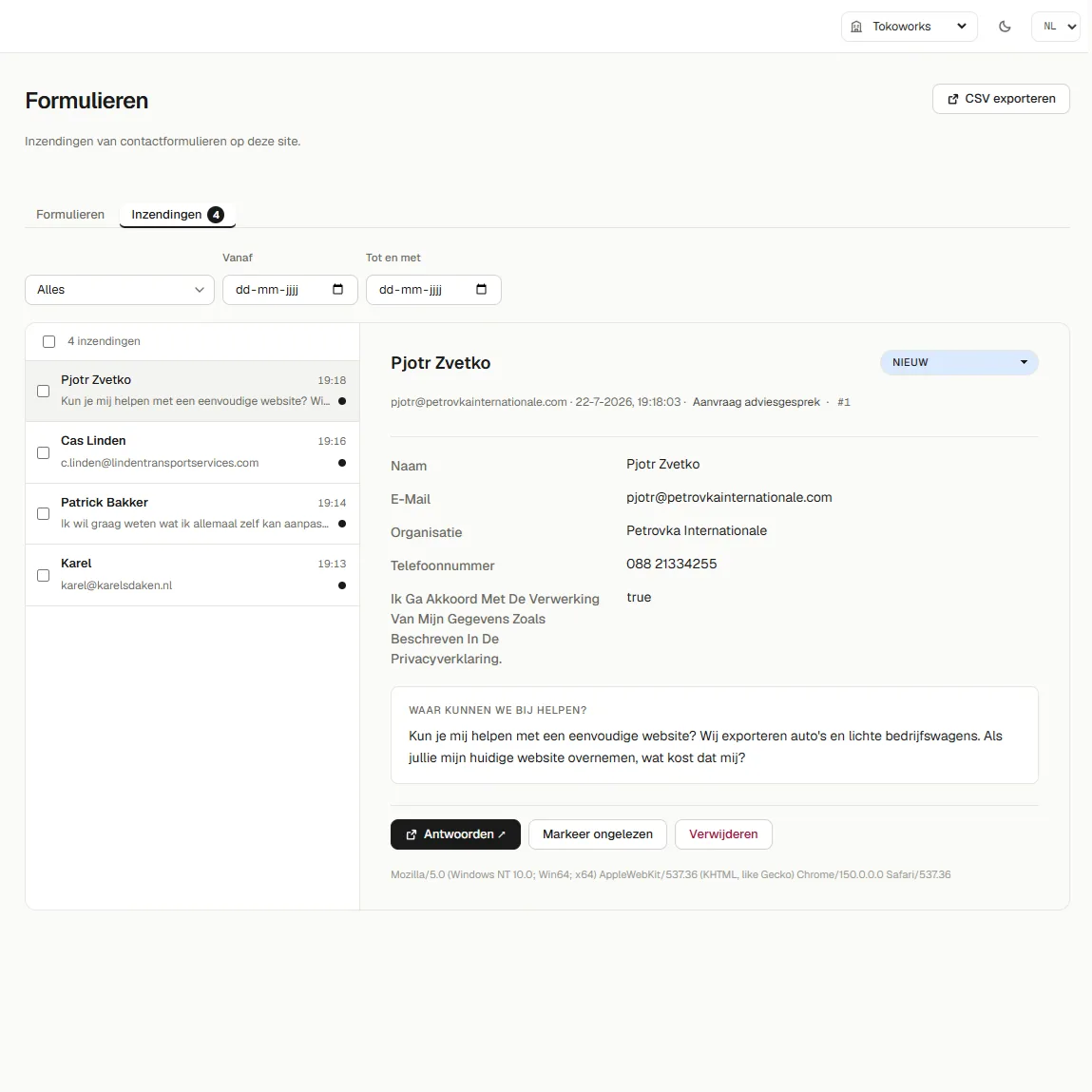
View results
Keep track of submitted forms: you manage your leads in one central place.
05 / Division of responsibilities
Your organisation manages the content. We manage the platform.
| Your organisation | TokoWorks |
|---|---|
| Manages pages and day-to-day content | Provides hosting and the technical environment |
| Publishes blogs, cases and other items | Maintains and improves the platform |
| Adjusts navigation and forms | Handles monitoring and daily backups |
| Manages available SEO settings | Carries out technical and security updates |
| Works with users within the package | Develops new components and capabilities |
| Identifies new needs | Advises on extensions and integrations |
Exactly which parts your organisation can manage depends on the package you choose and how the website is set up. Custom development, integrations and migrations are discussed separately.
06 / Collaboration
Management that grows with your organisation.
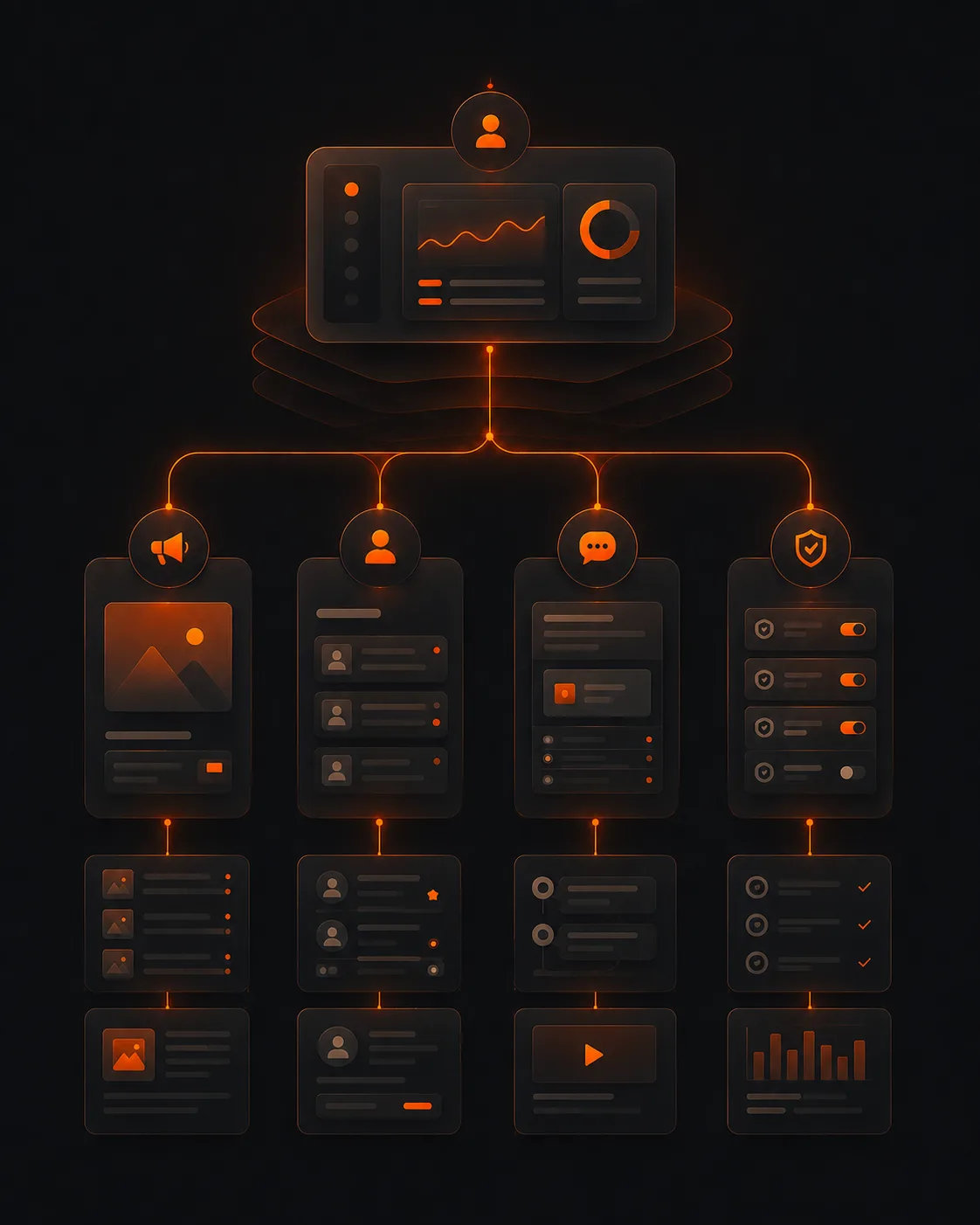
A compact organisation may have one administrator. A larger organisation wants to divide content across marketing, communications, recruitment, branches or different labels.
The platform can be set up around that way of working. Depending on the package, you work with multiple administrators, websites, languages and additional permissions.
Marketing
Manages campaigns, landing pages and conversion points.
Recruitment
Publishes vacancies and employer branding content.
Communications
Manages news, projects and general organisation information.
Central management
Oversees structure, users and publishing rights.

07 / Technology and continuity
You don't need to become a platform administrator.
You manage your website's content yourself, but you don't need to become a platform administrator. Hosting, updates, monitoring and backups remain our responsibility.
We maintain and improve the platform centrally. We roll out available updates and improved components automatically, without your organisation having to manage versions, plugins or technical changes itself. That way your website benefits from ongoing development without needing a separate website project each time.
08 / Extensibility
Standard where possible. Custom where it adds value.
The available editor does not automatically set the limits of your website. When your organisation needs additional functionality, our developers can look into how it can be added within the same technical environment.

What do we mean by custom work?
- integrations with other systems;
- calculators and decision tools;
- protected environments;
- dashboards and data visualisations;
- additional content types or workflows.
This means not every client pays for complex functionality by default. We add it when there is a concrete need and business case.
09 / Packages
Choose the room and support you need.
Start with a professional website from €49 per month.
Hosting, technical maintenance and ongoing development of the platform are covered in every package. You mainly choose how much room, management options and personal support you need.
Business Lite
For smaller organisations looking for a professional website and a clear foundation.
Business Pro
For organisations that publish content regularly, launch campaigns and actively work on their online growth.
Enterprise
For larger organisations, municipalities and teams with multiple administrators, complex websites or custom requirements.

10 / Demo
See how your team would work with it.
During a personal demo we show how you build pages, manage content, adjust forms and publish changes.
We use examples that fit your organisation, so you see not just which buttons there are, but above all what the platform can mean in your day-to-day way of working.
11 / Before you start
Good to know about the platform.
From day-to-day management and user permissions to updates and custom work: below you can read what your organisation can do itself and where TokoWorks stays involved.
Is TokoWorks a standard website builder?
No. We design and build the website together with your organisation. You then use the platform to manage the day-to-day content independently. So you don't start on your own with a blank canvas or a standard template.
What can we change ourselves?
Depending on the package and setup, you can manage pages, content blocks, text, images, navigation, forms, blogs, cases and SEO settings, among other things.
Do we need technical knowledge?
Not for day-to-day content management. Complex technical changes, new components and integrations are carried out by TokoWorks.
Can several colleagues work in the platform?
Yes. The number of administrators and the available roles and permissions differ per package.
Can we manage multiple websites or languages?
That is possible with the packages and setup suited to it. The pricing page shows the current differences.
How are updates carried out?
TokoWorks maintains and improves the platform centrally. We carry out available platform updates; your organisation doesn't need to manage plugins or separate versions for this.
What happens when a feature is missing?
We first look into whether the need can be met with existing parts. When custom work is needed, we discuss the approach, impact and costs in advance.
Can you migrate our current website?
Yes. We can bring over content, URLs, redirects and relevant settings. The scope of a migration differs per website and is therefore quoted separately.
Can we see the platform beforehand?
Yes. During a personal demo we show how the most important parts work in practice.